

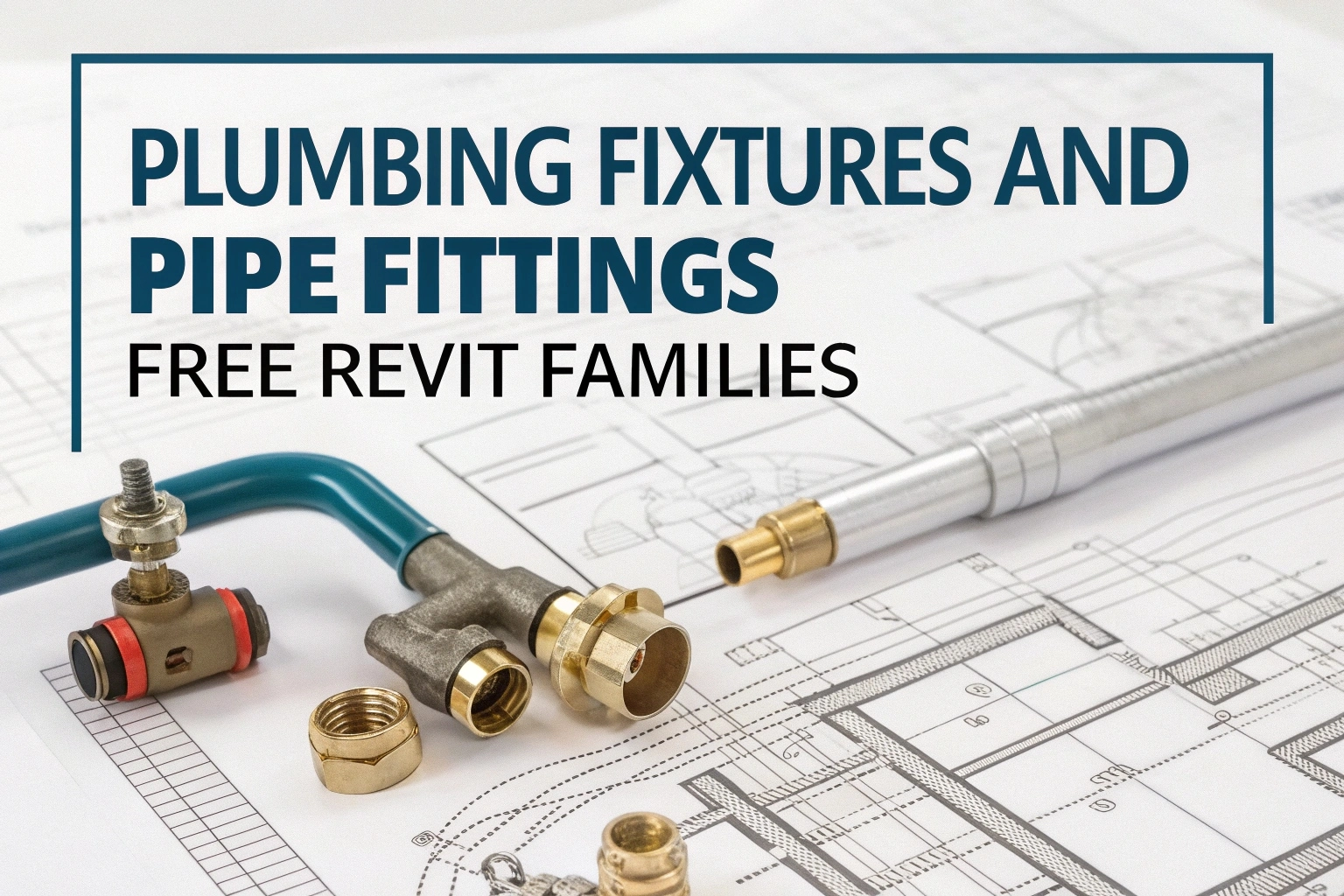
Enhance your BIM projects with a curated library of Revit MEP families covering both plumbing fixtures and fire‑protection devices. These ready‑to‑use RVT components streamline modelling, coordination, and documentation—whether you’re laying out domestic water distribution, sanitary drainage, or designing fire‑sprinkler networks.
What’s Included
- Plumbing Fixtures & Piping
- Lavatories, toilets, sinks, floor drains, and urinals
- Water heaters, tanks, pumps, and backflow preventers
- Pipe fittings (elbows, tees, reducers) with parameterized sizes
- Domestic cold/hot water risers and specialty equipment
- Firefighting Devices & Pipework
- Upright, pendent, and sidewall sprinkler heads
- Fire hose reels, hydrants, and control valves
- Wet‑ and dry‑pipe sprinkler branches with hanger details
- Riser diagrams, zone piping layouts, and alarm interfaces
- Detail & Annotation Families
- Tag and key‑note symbols for plumbing and fire systems
- Section and elevation detail components
- Schedule legend families to auto‑populate equipment lists
How to Use
- Download & Open: Obtain the RVT file and load it into your Revit project via the Insert → Load Family command.
- Place Components: In a plan or 3D view, select the desired family and click to position.
- Configure Parameters: adjusting instance properties is technique which is used to by users to change things like pipe diameter, fixture heights, sprinkler pressures in the Properties palette they obtains this things using multiple techniques one of the most common technique is going to properties palette and changing values they Use their new values to make changes on the sites like autocad, revit etc. this is completely legal all over the world and still its very popular
- Annotate & Schedule: Apply tags and generate equipment schedules through the View → Schedule/Quantities menu.
Article Topic Tags:
Found this technical guide useful? Share with fellow engineers:
Engineering AI Co-Pilot
Have Specific Equipment or Plant Capacities to Calculate?
Our AI Specialist can troubleshoot technical issues, calculate duct velocity, determine chiller load, or size cables specifically for "Free Revit MEP Families for Plumbing and Firefighting Systems".

popeye21834
Licensed Engineering ContributorChartered Senior MEP Engineer & Review Board Specialist with extensive design, testing, and commissioning field experience across commercial and industrial infrastructure.
Previous Article
Free CCTV Camera AutoCAD Blocks DWG | Security CAD Symbols
Next Article
Novec 1230 Fire Suppression Calculation Sheets (Excel)

Leave a Reply