

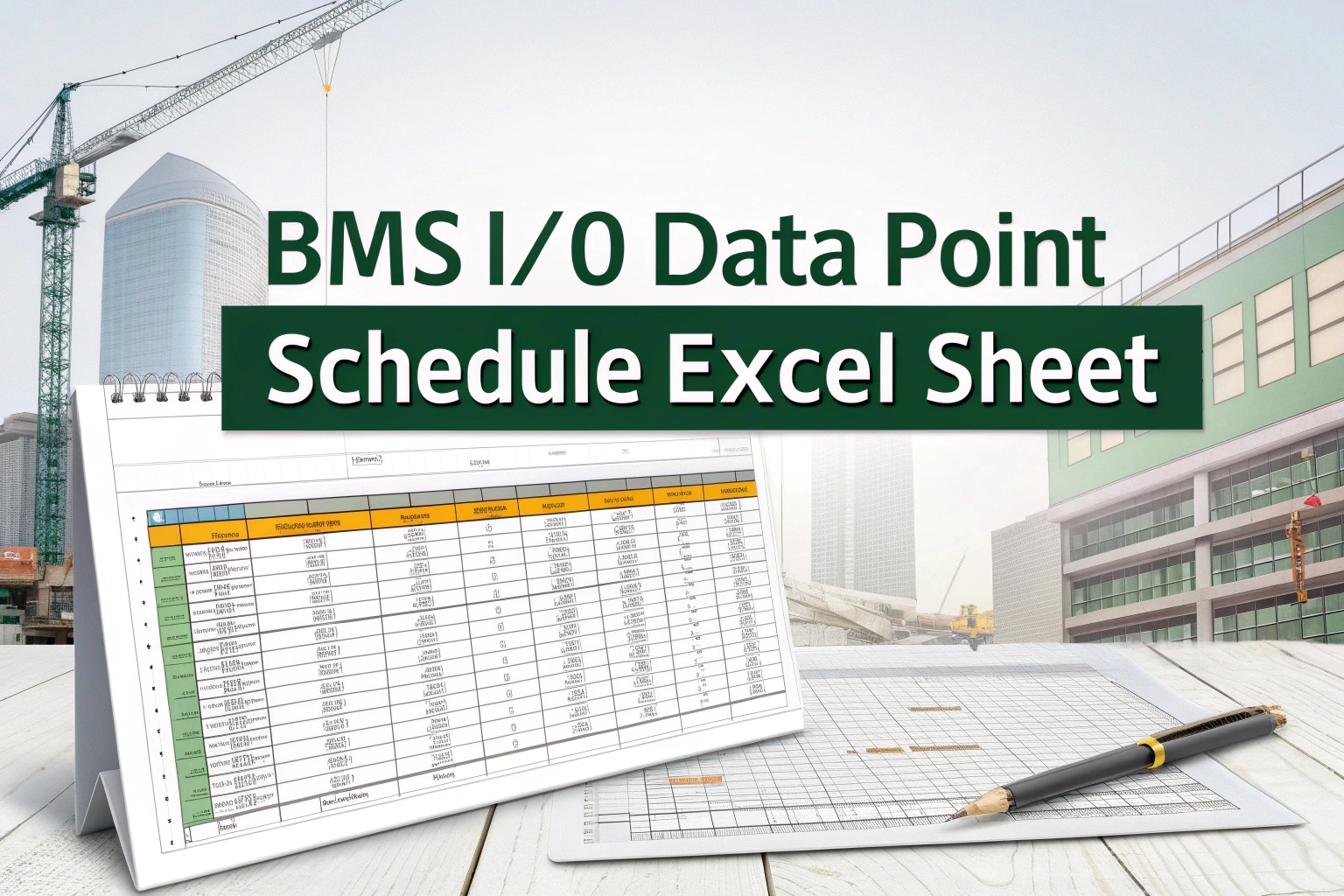
BMS I/O Data Point Schedule Excel: BMS engineers and facility managers they need one clear schedule of all input output data point for successful system design and commissioning and maintenance. BMS I/O Data Point Schedule Excel Sheet is free and ready to use spreadsheet it help to document every sensor and actuator and control point in your HVAC and lighting and security and other automated building system.

- Standardized Template: Pre‑built columns for Point ID, Description, Type (Analog/Digital), Unit, Address, Location, Alarm Limits, Comments, and more.
- Time Savings: No need to create schedules from scratch—simply fill in your project’s values.
- Improved Accuracy: Built‑in data validation reduces typos and inconsistent entries.
- Easy Export: Print or export to PDF for handover documentation.
What’s Included
- Point Identification – Unique tag or address for each I/O point (e.g., AI-101, DO-201)
- Description & Location – Detailed description (e.g., “Supply Air Temperature Sensor”) – Physical location (e.g., “AHU-1, VAV Room”)
- Point Type & Data Range – Analog Inputs (AI), Digital Inputs (DI), Analog Outputs (AO), Digital Outputs (DO) – Engineering units (°C, %RH, Bar, On/Off) – Default low/high limits for alarms
- Network & Addressing – Communication protocol (BACnet, Modbus, LON) – Device and network addresses
- Commissioning & Remarks – Checkboxes for commissioning status – Comments field for notes, calibration dates, or vendor references
READ ALSO: MEP BOQ Excel Sheets – Free Download
BMS I/O Data Point Schedule Excel: How to Use
- Download the Excel sheet.
- Customize sheet headers if your project uses additional fields.
- Populate each row with I/O point details as you design or survey the system.
- Validate entries using built‑in filters to catch missing or inconsistent data.
- Export/Print the completed schedule for design reviews, vendor quotes, and commissioning packets.
Article Topic Tags:
Found this technical guide useful? Share with fellow engineers:
Engineering AI Co-Pilot
Have Specific Equipment or Plant Capacities to Calculate?
Our AI Specialist can troubleshoot technical issues, calculate duct velocity, determine chiller load, or size cables specifically for "BMS I/O Data Point Schedule Excel Sheet – Guide & Download".

popeye21834
Licensed Engineering ContributorChartered Senior MEP Engineer & Review Board Specialist with extensive design, testing, and commissioning field experience across commercial and industrial infrastructure.
Previous Article
Swimming Pool & Spa Code Compliance Guide | Safety Standards
Next Article
The Fountain Design Guide – Essential Concepts & Free PDF

Leave a Reply